1. Home
  2. GIFs
  3. Countdown 10 Seconds GIFs

Countdown 10 Seconds GIFs GIFs

Search and download free Countdown 10 Seconds GIFs GIFs

Animated countdown 10-9-8-7-6-5-4-3-2-1: a big bouncing number with pulse rings
Bouncing number 10 second countdown GIF
Animated countdown 10-9-8-7-6-5-4-3-2-1-GO!: a number inside a circular timer ring, labelled "10 SECONDS"
Circular timer 10 second countdown GIF
Animated countdown 10-9-8-7-6-5-4-3-2-1: a split-flap flip clock card, labelled "SECONDS LEFT"
Flip clock 10 second countdown GIF
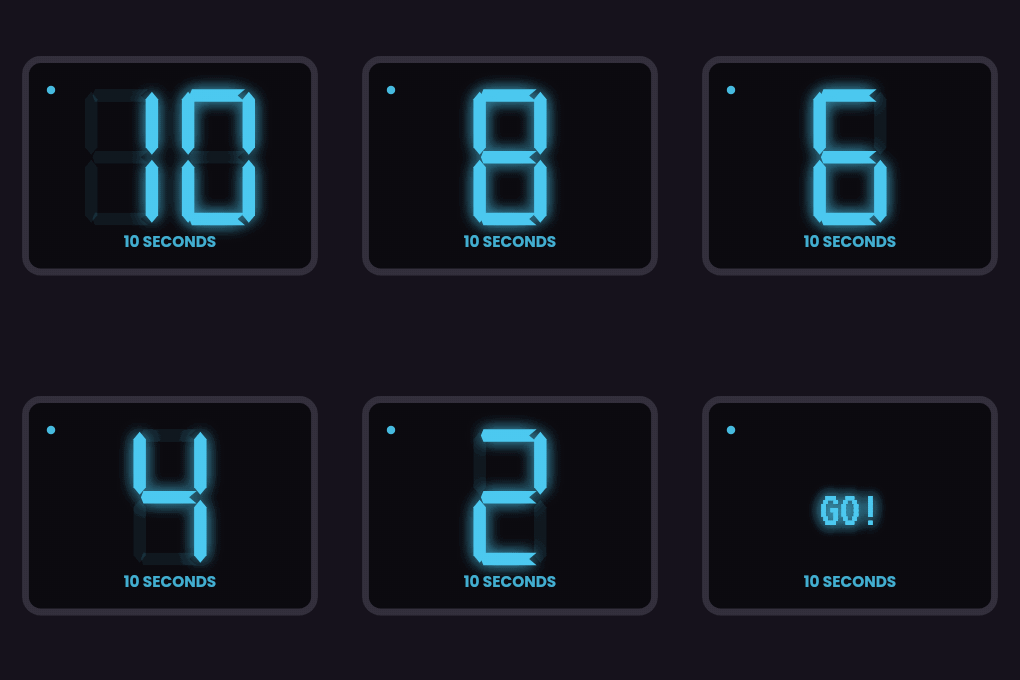
Animated countdown 10-9-8-7-6-5-4-3-2-1: glowing neon digits on a dark background
Neon 10 second countdown GIF
Animated countdown 10-9-8-7-6-5-4-3-2-1-GO!: pixel-font digits on a retro game screen, labelled "10 SECONDS"
Pixel retro 10 second countdown GIF
Animated countdown 10-9-8-7-6-5-4-3-2-1: an old film-leader countdown with a sweeping dial, labelled "SECONDS LEFT"
Film leader 10 second countdown GIF
Animated countdown 10-9-8-7-6-5-4-3-2-1: a number above a shrinking progress bar
Progress bar 10 second countdown GIF
Animated countdown 10-9-8-7-6-5-4-3-2-1-GO!: red seven-segment LED digits, labelled "10 SECONDS"
Digital LED 10 second countdown GIF
Animated countdown 10-9-8-7-6-5-4-3-2-1: a number inside a growing bubble that pops, labelled "SECONDS LEFT"
Bubble pop 10 second countdown GIF
Animated countdown 10-9-8-7-6-5-4-3-2-1: a number with zooming echo outlines
Zoom echo 10 second countdown GIF
Animated countdown 10-9-8-7-6-5-4-3-2-1-GO!: numbers sliding in over changing colour blocks, labelled "10 SECONDS"
Colour slide 10 second countdown GIF
Animated countdown 10-9-8-7-6-5-4-3-2-1: a green radar sweep with the number, labelled "SECONDS LEFT"
Radar 10 second countdown GIF
Animated countdown 10-9-8-7-6-5-4-3-2-1-GO!: a big bouncing number with pulse rings
Bouncing number 10 second countdown blue GIF
Animated countdown 10-9-8-7-6-5-4-3-2-1: a number inside a circular timer ring, labelled "10 SECONDS"
Circular timer 10 second countdown mint GIF
Rate this page
No votes yet

How to Search and download GIF

  1. Step 1

    Search among the GIFs

    There are thousands of different gifs available on our site. But you are looking for a specific one. Select a category and find the very gif you want.

  2. Step 2

    Open GIF for viewing

    You can view all gifs in the general catalog, or open each one individually and scroll one by one. To view a GIF, click it.

  3. Step 3

    Download to your device

    To download in GIF format, click on the download button. If you want to save in WebP format right click on the picture and click save as.

Download Edit